


Loading....

Yes, you can.

Go to plugin option panel>Knowledgebase Page tab. Bottom of the page you will get a section called “comment display settings”. Turn it on to allow comment on your KB post. Remember, Theme support is required to display comment box after knowledgebase details.
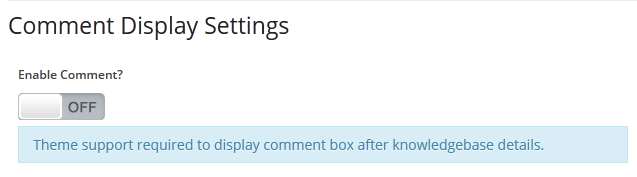
allow_comment

 Layanan  

Add A Knowledge Base Question !

You will receive an email when your question will be answered.

+ = Verify Human or Spambot ?

Back To Top

Add A Knowledge Base Question !

You will receive an email when your question will be answered.

+ = Verify Human or Spambot ?